
Choosing iPhone 18 Pro storage is really a decision about how you use your phone over several years. Apple has not officially announced every iPhone 18 Pro specification or price at the time of writing, so the final capacity lineup must be confirmed on Apple’s product page. Still, your current storage habits give you a useful answer now. If you take occasional photos and stream most media, the entry-level capacity could be enough. If you record lots of high-resolution video, keep downloaded movies, or plan to use the phone for four or five years, more space is easier to justify.
What iPhone 18 Pro storage could mean in daily use
Storage is the phone’s built-in working space for the operating system, apps, photos, videos, messages, downloads, and locally saved files. The number printed on the box is not the amount available after setup. iOS and system data use some space, and available capacity can change as you install apps and create files.
That distinction matters when comparing iPhone 18 Pro storage options. A phone advertised with 256GB does not give you a completely empty 256GB after activation. It still provides substantial room, but the practical question is how quickly you fill it. A person with a 64GB or 128GB older iPhone that constantly shows a nearly full warning has different needs from someone who has used only 80GB after three years.
Open Settings, tap General, and choose iPhone Storage on your current device. Look at the total used amount, then study the largest categories. Photos, apps, Messages, podcasts, downloaded video, and files often explain the result. This is more reliable than guessing from a shopping guide. If you currently use 110GB, buying a 128GB phone leaves little room for future photos and software updates, while 256GB gives you a more comfortable buffer.
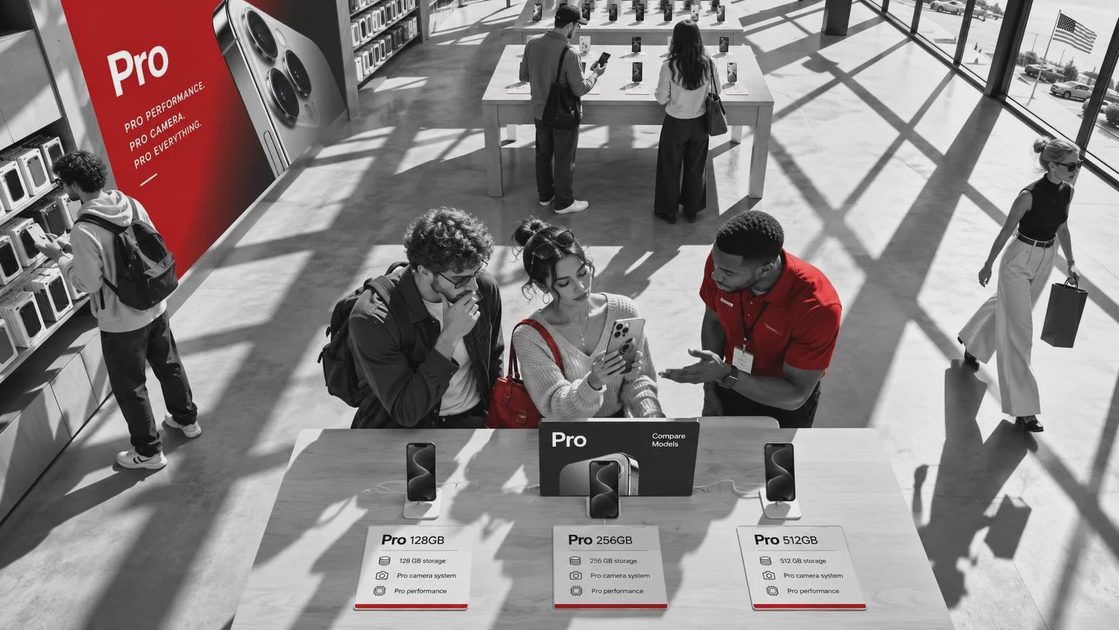
The likely capacity tiers could include 256GB, 512GB, and 1TB, based on how Apple has positioned recent Pro models, but that is not a confirmed iPhone 18 Pro storage lineup. Do not pay a premium for a capacity Apple never sells. Wait for the official configuration and compare the price difference rather than relying on rumors.

Who should choose 256GB?
For many buyers, 256GB will be the sensible starting point if it is the base option. It suits people who use iCloud Photos, stream music through Apple Music or Spotify, watch Netflix and YouTube mostly online, and do not keep a large game library. It also works well for a typical phone camera user who takes family pictures, short clips, screenshots, and occasional travel video.
A 256GB iPhone 18 Pro storage option should give a normal user room for several years, especially when iCloud is used for photo optimization. With Optimize iPhone Storage enabled, full-resolution originals can remain in iCloud while smaller versions stay on the phone. That saves local space, but it is not free storage. iCloud+ plans add a recurring monthly cost, and you need an internet connection to retrieve some originals when they are not stored locally.
Do not choose 256GB solely because cloud storage exists. If you regularly travel without reliable service, edit video on the phone, or want every photo and downloaded file available offline, local capacity matters more. A 256GB model can also feel tight if you install several large games and keep years of Messages attachments.
When 512GB is worth the extra money
512GB is aimed at heavier users rather than everyone. It makes sense for someone who records frequent 4K video, takes large batches of photos, downloads content for flights, or keeps a substantial offline music and podcast library. It is also a practical choice for a parent or traveler who does not want to manage storage during a busy week.
Video is the biggest reason to move up in iPhone 18 Pro storage. High-resolution footage consumes space much faster than ordinary snapshots. A few short clips will not create a crisis, but regular recording at demanding settings can turn a comfortable phone into a storage-management project. If you use your iPhone as a small camera for school events, vacations, product work, or social media, 512GB provides more breathing room.
The price difference deserves a simple calculation. If a 512GB configuration costs several hundred dollars more than the base model, compare that one-time premium with the cost of multiple years of cloud storage. Cloud space also supports backup and access across Apple devices, while built-in capacity remains available without a subscription. Neither option is automatically cheaper for every owner.
Is 1TB excessive or practical?
For most people, 1TB is more capacity than they need. It becomes practical when the phone is part of a serious mobile video workflow, when large files must stay offline, or when the buyer strongly prefers keeping media on the device. A creator who transfers footage slowly, travels often, or uses the phone as a primary camera may appreciate the headroom.
However, 1TB does not make the phone faster, improve camera quality by itself, or replace a backup. If the phone is lost, damaged, or stolen, locally stored files can disappear. iCloud Photos is synchronization, not a complete independent archive, so important recordings should also be copied to a Mac, PC, or suitable backup service. More iPhone 18 Pro storage solves capacity pressure, not every data-safety problem.
There is also a resale consideration. A larger-capacity model may appeal to a narrower audience, but you should not assume the extra purchase cost will return when you sell the phone. Buy the space you will use, not storage as an investment.
A quick buying process before you order
Start by checking your current usage and writing down the number. Next, estimate how much new content you create each month, especially video. Then decide whether you are comfortable paying for iCloud+ and waiting for files to download when needed. Finally, add your planned ownership period. A two-year buyer can tolerate a smaller buffer than someone planning to keep the device for five years.
Here is a practical rule: choose the base capacity if your current phone uses less than roughly half of it and your habits are stable. Move to the middle tier if your current use is close to the base capacity, you dislike deleting files, or you create frequent video. Consider the top tier only when you can name the files and workflow that require it.
Before checkout, verify the official iPhone 18 Pro storage choices, U.S. pricing, and return terms. Prices can change, and Apple may offer different capacities than expected. Also remember that a case, charger, AppleCare+, and cloud plan can affect the complete ownership budget.
The practical choice for most buyers
For a typical U.S. iPhone owner, 256GB will probably be the value choice if Apple makes it the entry configuration. It should cover everyday photography, streaming, apps, and several years of normal use without forcing constant cleanup. Choose 512GB for frequent video, large offline libraries, or a strong preference for local files. Choose 1TB only for a clear professional or heavy-storage reason.
The best iPhone 18 Pro storage decision is not the largest number on the order page. It is the capacity that leaves a useful buffer without taking money from a case, backup plan, or another feature you will notice every day. Check your current Settings screen, compare the official price gap, and make your tech fit your life.