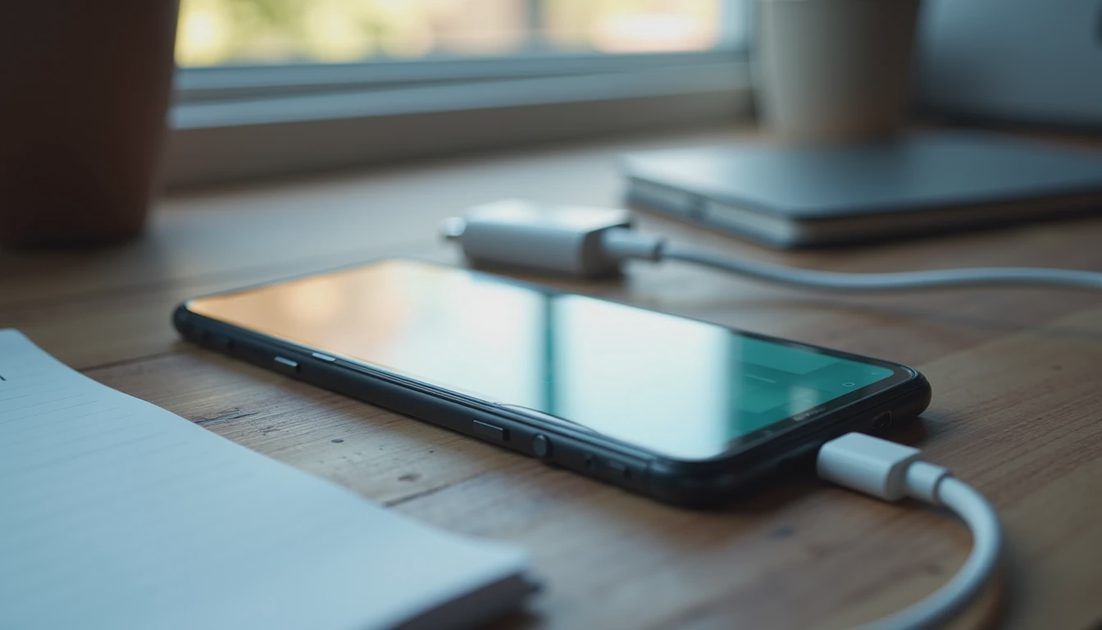
Start by identifying what “slow” means: a low-power source, reduced charging under current conditions, or charging that repeatedly disconnects. Those problems need different responses.
For iPhone 18 Pro and iPhone Duo, a charging icon does not prove the setup can meet the latest fast-charge benchmark. Equally, a Slow Charger message does not automatically mean the phone or adapter is faulty.
I would change one component at a time and record the result. This is a documentation-based diagnostic sequence, not a measured comparison of chargers or a promise that a reset will solve every case.
ON THIS PAGE
Read the symptom before buying anything
Establish a wired baseline
Check wireless placement separately
Look at temperature and settings
Know when to stop
Read the symptom before buying anything
Write down the starting charge, approximate room conditions, power source, cable, and what you were doing on the phone. Note whether the connection stayed active.
A phone gaining charge slowly during navigation is not the same observation as one disconnecting every time the cable moves. A phone near its selected charge limit is another situation again.
Symptom | First useful check | Avoid jumping straight to |
|---|---|---|
Slow Charger message | Source capability and shared power | Declaring hardware failure |
Charging pauses | Temperature and charging settings | Buying a larger adapter immediately |
Connection repeatedly drops | Cable, connector, and port condition | A full device erase |
Wireless only is slow | Placement, case, charger, and adapter | Assuming the battery is damaged |
Use the phone's Battery information where available to understand the current estimate or message. Treat an estimate as guidance, not a stopwatch guarantee.
Establish a wired baseline
If you have suitable known-good equipment, connect the phone directly to a wall adapter with an appropriate USB-C cable. Remove hubs and unnecessary extensions from the test arrangement.
Disconnect other devices from a multiport charger for the initial check. A high total rating does not mean the selected port keeps the same output while charging a laptop.
Leave the phone doing little work for a comparable interval. Record whether charging remains connected and whether the battery percentage rises normally. Do not compare this casually with a different starting percentage and declare a measured speed improvement.
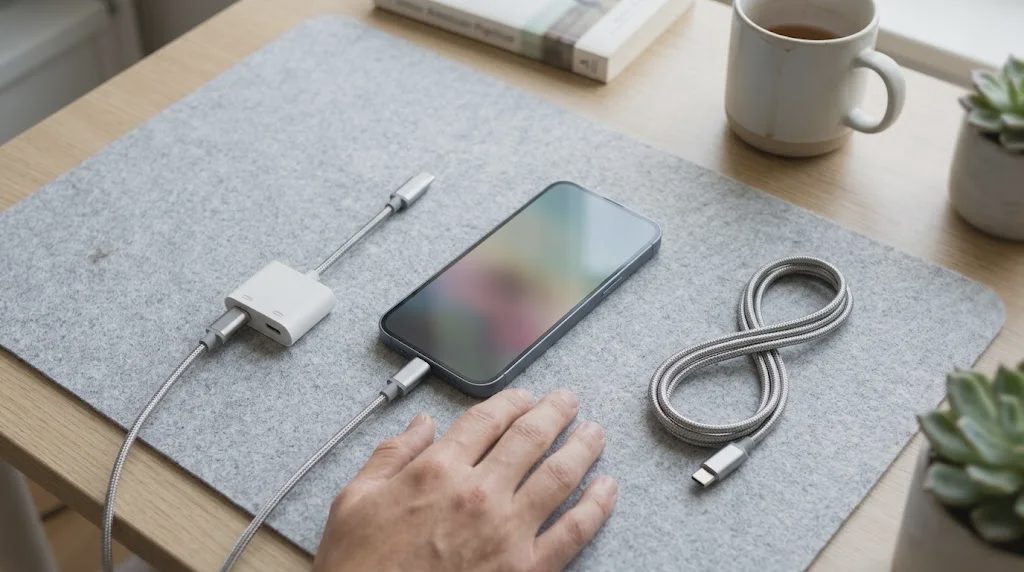
If the direct arrangement works and the hub arrangement does not, you have narrowed the issue to the removed chain. That is a useful result even before you identify the exact component.
Check capability, then condition
For Apple's latest wired benchmarks, iPhone 18 Pro and Pro Max use a 60W-capable or higher setup with the required AVS support; Duo has its own published condition and a different advertised time. Verify the model-specific instructions.
An ordinary older USB-C PD charger may still be usable without meeting those conditions. Its slower performance is not automatically a defect.
Next inspect the cable and accessible port area with the phone disconnected. Look for damaged insulation, bent connector parts, moisture, or a case that stops the plug seating completely.
Do not insert metal objects into the port or use liquid and compressed air to improvise a cleaning procedure. Follow Apple's current instructions or seek service if a connector cannot seat normally.
A known-good cable substitution is more informative than repeatedly wiggling a questionable one. Stop using visibly damaged charging equipment.
Check wireless placement separately
For wireless charging, identify the exact charger, adapter, phone, and case. Remove a wallet or other intervening attachment and place the phone as the charger maker directs.
A magnetic connection can feel secure without establishing correct charging behavior. A stand can also hold a device at an angle that makes contact or alignment inconsistent.
On Duo, check the intended folded or open arrangement separately. If the phone rocks or rotates, fix support and compatibility before making a speed judgment.
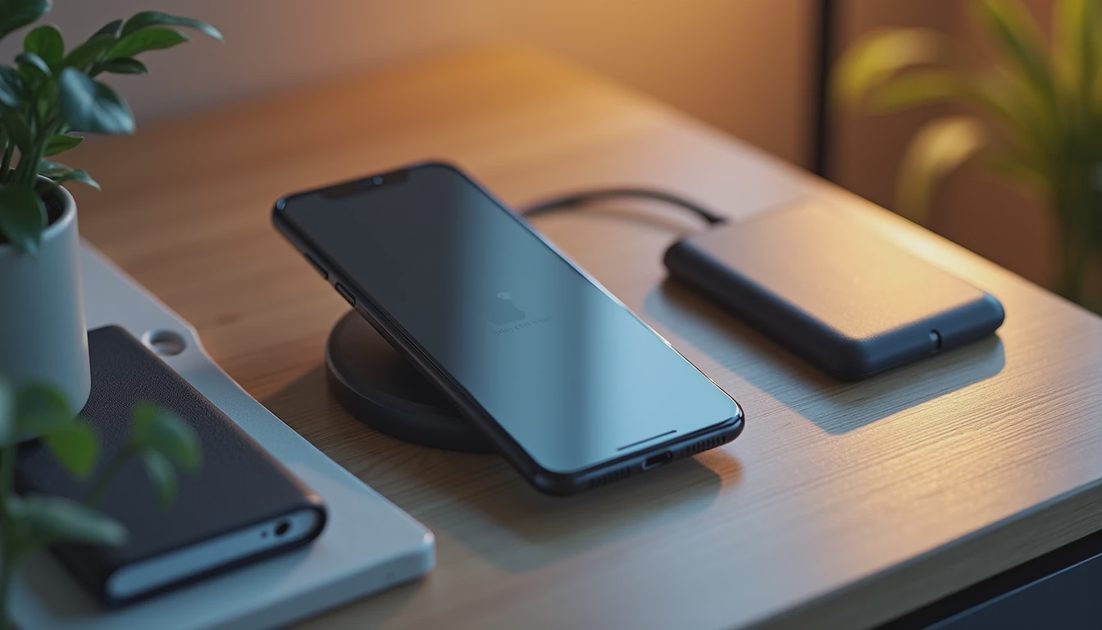
If a supported wired setup behaves normally but wireless does not, investigate the wireless chain first. Do not immediately generalize that result into a failed battery.
An older charging puck does not gain every new capability because its adapter has been upgraded. Accessory generation remains part of the specification.
Temperature can change the result
A phone can reduce or pause charging when conditions require it. Direct sunlight, a warm vehicle, demanding applications, and heat retained around the device can affect the situation.
Move the phone to an ordinary room-temperature setting and reduce unnecessary use. Let it return naturally to suitable conditions. Do not put it in a freezer, against ice, or on a wet cooling surface.
If the device reports a temperature warning, follow that guidance rather than trying to defeat it with a different charging accessory.
I would also separate a warm first-day restore from a repeatable issue under light use. The circumstances matter, and a useful support report describes them rather than simply saying the phone gets warm.
Check the chosen charging behavior
Review the charge limit and optimized charging settings available on your model and software. A deliberate pause near a target is not the same as failing to accept power.
Do not disable every battery setting just to force the percentage upward. First identify which behavior the setting is intended to produce and whether it matches what you see.
Remember that charging does not proceed at one fixed rate from empty to full. Comparing the final portion with a published low-battery fast-charge benchmark is not a like-for-like test.
Keep a short record: source, cable, case, starting percentage, message, and result. Change one variable, then compare similar circumstances.
Know when to stop
Seek support if charging remains unreliable with appropriate known-good equipment, the connector does not fit normally, or you see physical damage. Disconnect equipment if there is smoke, a burning smell, or obvious battery swelling, and stop using the device.
For ordinary persistent issues, bring the exact accessory model numbers and your observations. That is more useful than arriving after replacing several unrelated parts.
Does Slow Charger mean the charger is unsafe?
Not by itself. It can simply mean a higher-capability source would charge faster. Physical damage is a separate issue.
Should I erase the phone first?
No. Start with reversible checks of the charging chain, conditions, and settings.
A good diagnosis ends with a smaller question than it started with. Identify the limiting part before deciding which replacement, if any, deserves your money.