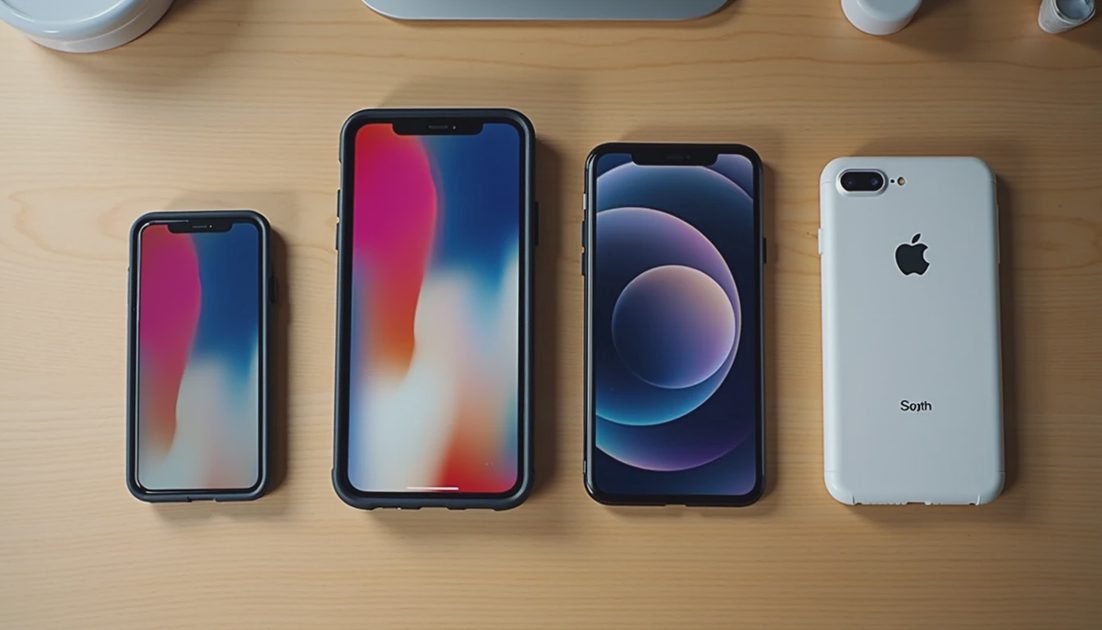
Do not assume an older Pro case or screen protector fits iPhone 18 Pro because the screen size sounds familiar. Exact model support matters more than the product family name or a photograph of a similar-looking phone.
A case has to align with the body, cameras, buttons, controls, and port. A screen protector has its own fit requirements, including edge shape and any installation frame.
I would separate the two purchases. An old case failing the fit check does not tell you anything definite about a separately designed protector, and the reverse is also true.
ON THIS PAGE
Pro and Pro Max need separate checks
Check more than the outline
Screen protectors have their own fit
Inspect without forcing anything
FAQ
Pro and Pro Max need separate checks
Apple lists iPhone 18 Pro at 150.0 by 71.9 by 8.75 millimeters. The Pro Max is 163.4 by 78.0 by 8.75 millimeters. Those figures establish that the two current models require different fit checks; they do not establish compatibility with an older generation.
Compare your existing accessory's exact model list with the phone you are buying. “Pro,” “Max,” and a year in a marketplace title are not interchangeable identifiers.
Look at the selected variant, not only the listing headline. A retailer may combine multiple generations, sizes, and colors on one page. An apparently compatible product can become the wrong model after a selection changes.
If a maker explicitly supports more than one generation, inspect its reasoning and installation information. Shared compatibility is possible only where the complete design permits it; similar dimensions alone are not proof.
Check more than the outline
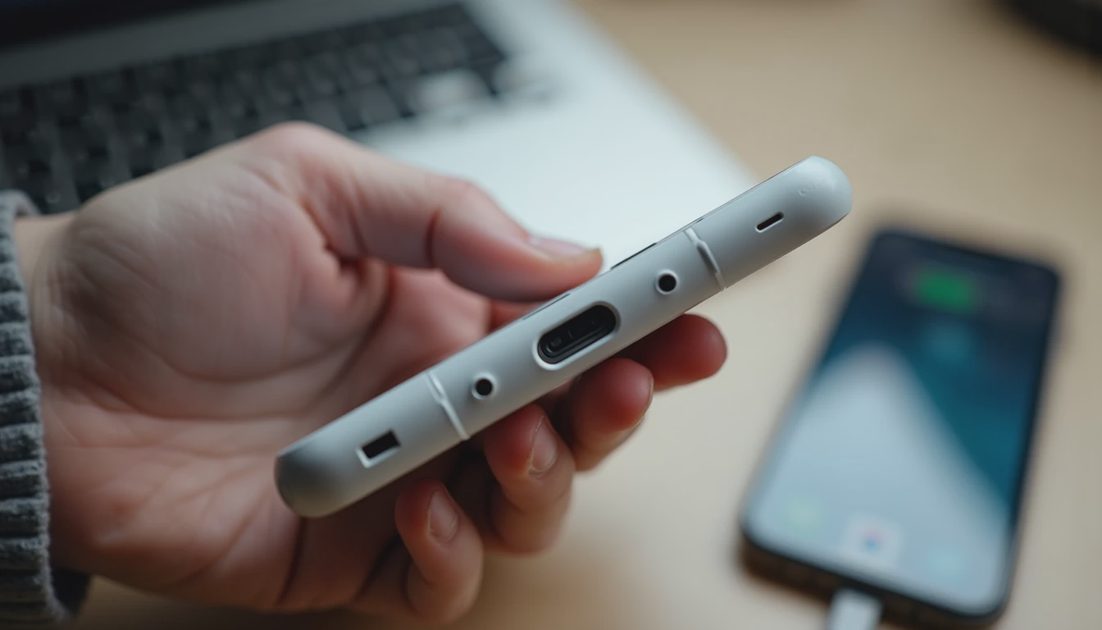
A case that accepts the phone can still fit badly. Pressure on a button, a camera lip in the wrong place, or a port opening that blocks your cable can make an apparently successful installation impractical.
Part of the case | Check | Why the outline is insufficient |
|---|---|---|
Camera opening | Every lens and sensor remains unobstructed | Camera placement and protrusion matter |
Buttons and controls | Normal access without constant pressure | Openings and covers must align |
USB-C opening | Your plug seats fully | The connector housing needs clearance |
Screen border | No lifting or interference with a protector | Border shape affects the combined fit |
A wide camera opening is not a universal solution. It can expose areas you expected the case to cover or leave its surrounding structure poorly positioned.
Likewise, an uncovered control area may technically allow access while feeling awkward in ordinary use. I would check with the grip you actually use, rather than pressing each button once and declaring the job finished.
Screen protectors have their own fit
A display's diagonal measurement describes size, not every detail at its perimeter. Protector width, corner radius, adhesive coverage, and clearance from the case can all matter.
The installation tray is another component. A protector sold with an older phone-shaped alignment frame may not position correctly on a newer device even if the sheet looks close in size.
Check the protector maker's explicit support for iPhone 18 Pro or Pro Max. Do not buy by a generic inch measurement alone.
Before installation, inspect the instructions for cleaning, positioning, and case clearance. Once adhesive touches the display, moving the sheet repeatedly can introduce dust or weaken the result.
An already installed tempered-glass protector is not something I would budget to transplant. Removing it can damage the sheet or adhesive, and successful removal does not establish a reliable second installation.
Consider the case and protector together
Two individually correct accessories can still conflict. A tight case lip may lift a protector whose edges extend farther than the case permits.
Look for the protector's case-compatibility guidance and the case maker's screen-edge design. If the combination is unspecified, keep the return policy in the decision rather than treating separate model labels as a guarantee.
The useful test is ordinary use: does the case sit normally, do the screen edges remain adhered, and can your finger reach the controls without catching?

Do not trim a protector or file down a case to make it fit. That converts a returnable compatibility question into a modified accessory with uncertain behavior.
A small purchasing delay is usually cheaper than trying to rescue the wrong combination.
Inspect without forcing anything
Start with the empty case. Compare the selected model, camera pattern, control openings, and instructions before putting the phone inside.
If the manufacturer confirms compatibility, install according to its sequence. Stop if fitting requires unusual force, the phone bows, a button remains pressed, or the case does not settle normally.
Use this short inspection order:
Confirm the model printed on the packaging.
Inspect the empty shell for damage or debris.
Follow the stated installation sequence.
Check cameras, controls, cable access, and screen edges.
Keep packaging until ordinary use confirms the fit.
This is not a drop test. A case fitting correctly does not prove a protection rating, and dropping a new phone to verify marketing is an expensive way to answer the wrong question.
When keeping the old accessory makes sense
Reuse is sensible when the maker explicitly supports the new model and the accessory remains intact. It is not sensible when reuse depends on stretching, cutting, or accepting a partly blocked control.
For a protector, an unused compatible sheet is a different proposition from a removed one. For a case, worn corners or split material can matter even when the model fit is correct.
My preference is to keep what genuinely works and replace only the incompatible component. Buying a matching case-and-protector bundle is convenient, but convenience alone is not a reason to discard a verified compatible accessory.
FAQ
Does matching screen size mean matching protector size?
No. Diagonal size does not define the full perimeter or installation system.
Can an iPhone 18 Pro case fit Pro Max?
Do not treat them as interchangeable. They are different sizes and require their own supported accessories.
What if an older case almost fits?
Almost is not a useful compatibility standard. If it presses controls, obstructs a lens, or needs force, stop and verify the model.
A good reuse decision should be easy to explain: the exact accessory supports the exact phone and still works properly. Anything less is a guess you would be carrying around every day.