Buying an iphone 18 pro charger before checking your existing cables and outlets can turn a simple accessory purchase into a $60 mistake. The sensible approach is to start with how you use the phone, then confirm the final charging port, power requirements, and supported charging speeds when Apple publishes the official specifications. Because the iPhone 18 Pro is an upcoming model, avoid listings that promise exact compatibility based only on rumors.
Start with the charger you already own
Look around your home before shopping. A recent USB-C wall adapter from Apple, Anker, Belkin, UGREEN, or another reputable brand could already be suitable. A 20-watt adapter is enough for ordinary overnight charging on many recent iPhones, while a higher-output USB-C power adapter can be more useful for a phone, iPad, or MacBook setup. More watts do not automatically force extra power into a phone; the device and charger negotiate what is appropriate.
For an iphone 18 pro charger, the adapter is only half of the setup. You also need a cable with the correct connector at the phone end and the adapter end. A USB-C cable can support charging, but cable quality and specifications affect durability, data transfer, and other functions. If you want one cable for a laptop and phone, choose a properly rated USB-C cable rather than the cheapest short cable in an online bundle.
Think about location, too. A compact 20-watt adapter works well beside a bed or in a travel bag. A 35-watt or 45-watt multi-port adapter can reduce clutter on a desk, although the total output may be divided when two devices are connected. That is convenient for charging an iPhone and AirPods, but it may not deliver the full advertised output to both devices at once.
Match the charger to your daily routine
The best iphone 18 pro charger for a nightstand is not necessarily the best one for a family room or airport bag. For overnight use, prioritize a reliable adapter, a cable of comfortable length, and a design that does not block neighboring outlets. A six-foot cable can be useful beside a bed, while a three-foot cable is tidier on a desk.
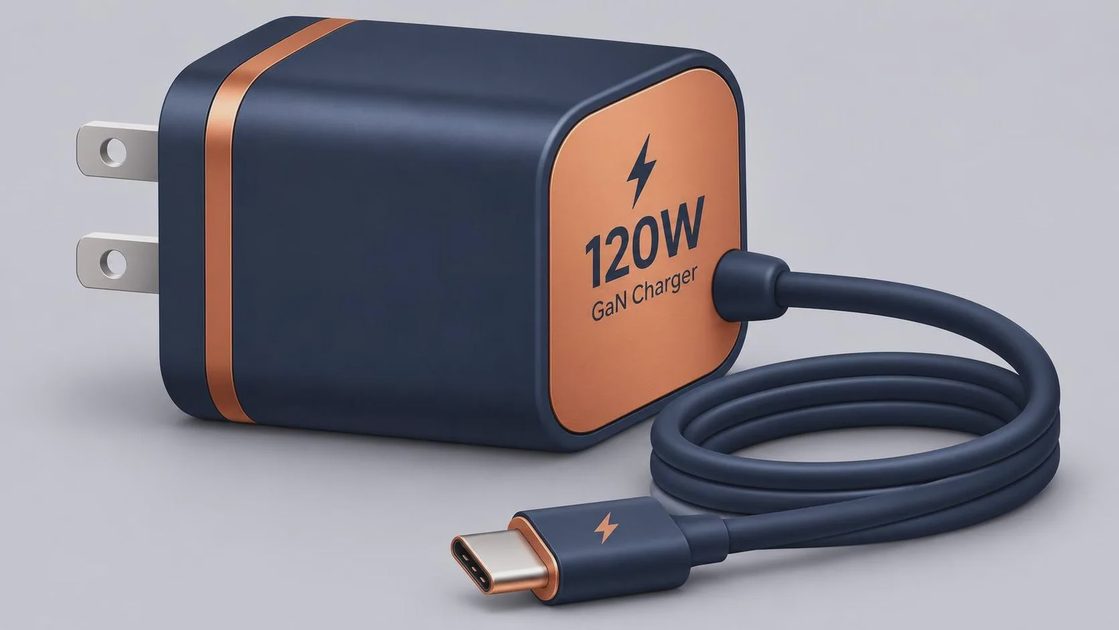
For travel, look for foldable prongs, broad voltage compatibility, and at least two ports if you regularly carry an Apple Watch, AirPods, or another phone. A GaN charger can be smaller than older silicon-based designs at similar power levels. That does not make every GaN product safe, so choose a recognizable brand with clear electrical ratings and a return policy.
A car charger deserves separate attention. Many vehicles now include USB-C ports, but their output varies. Some ports are designed mainly for data or low-power accessories. If your phone charges slowly in the car, an adapter connected to a 12-volt socket may provide a more predictable result. Keep the cable away from the shifter, pedals, and areas where it can be pinched.
Understand speed without chasing the biggest number
An iphone 18 pro charger advertised at 100 watts is not automatically a smarter purchase than a 30-watt model. Charging speed depends on the phone's internal limits, battery temperature, battery level, cable capability, and whether you are using the phone while charging. Charging typically slows as the battery approaches full capacity, which helps manage heat and battery stress.
A higher-output adapter can still make sense if you want to charge multiple devices or power a laptop. For a phone-only setup, paying $70 for a large desktop charger may provide little everyday benefit over a reputable adapter costing roughly $20 to $35. The savings are better spent on a replacement cable, a travel adapter, or a small power bank if those solve your actual problem.
Wireless charging is another choice, not a requirement. A compatible magnetic charger or charging stand can be convenient at a desk, but wired charging is usually the simpler option when you need the phone ready quickly. Wireless charging can also create more heat depending on alignment, case thickness, and the charger design.

Check safety and compatibility before buying
Avoid no-name chargers with missing wattage information, poor labeling, or unrealistic claims such as “fastest charger” without technical details. Look for established safety certifications appropriate for products sold in the United States, clear input and output ratings, and protection against overcurrent, overheating, and short circuits. Certification logos should not be treated as proof by themselves, but missing documentation is a useful reason to skip a listing.
Cases can affect wireless charging alignment and cable fit. A thick rugged case, wallet case, or metal accessory may interfere with magnetic attachment or reduce charging efficiency. A cable with a bulky connector can also fail to seat fully in a tight case opening. Before replacing a working case, check whether a slimmer cable connector solves the problem.
Also verify the return policy. Product pages sometimes use “for iPhone” as a broad marketing phrase even when a cable, magnetic accessory, or power bank has limitations. For the iphone 18 pro charger, wait for confirmed Apple specifications if you are buying before launch. A seller's compatibility badge is not a substitute for checking the phone model, connector, and supported charging standards.
Compare the total cost, not just the adapter
A basic setup might include a $20 to $35 wall adapter and a $10 to $25 cable, putting the practical total near $30 to $60. A multi-port GaN adapter may cost $40 to $80, while a magnetic stand or travel charging system can push the total above $100. Those prices can be reasonable when one accessory replaces several separate chargers, but they are excessive if you only need a spare cable and a bedside adapter.
Apple's own charger can be a straightforward choice if you prefer direct support and a familiar design. Anker, Belkin, and UGREEN offer alternatives across several price levels, but compare the exact model rather than relying on the brand name. Check port count, maximum output per port, included cable, size, warranty, and whether the charger is sold by an authorized or established retailer.
If you already have a sound USB-C adapter, the cheaper option is to wait and buy only the cable required for the phone. That approach avoids replacing accessories that still work and gives you time to see whether the iPhone 18 Pro's final charging behavior changes your needs.
A practical buying checklist
First, confirm the phone's final connector and official charging specifications. Second, inspect the adapters already in your home and note their output ratings. Third, decide whether you need one device charged or several devices charged together. Fourth, select a cable length that fits the room instead of buying the longest option by default. Fifth, check case clearance, safety information, warranty, and returns.
For most people, the right iphone 18 pro charger will be a reputable USB-C wall adapter with sensible output, paired with a durable cable that fits the case. Choose a multi-port model if you travel with several devices, and consider magnetic charging for convenience rather than speed. If your current equipment is reliable and compatible, keep using it. Make your tech fit your life instead of buying a larger number just because the box promises more power.