
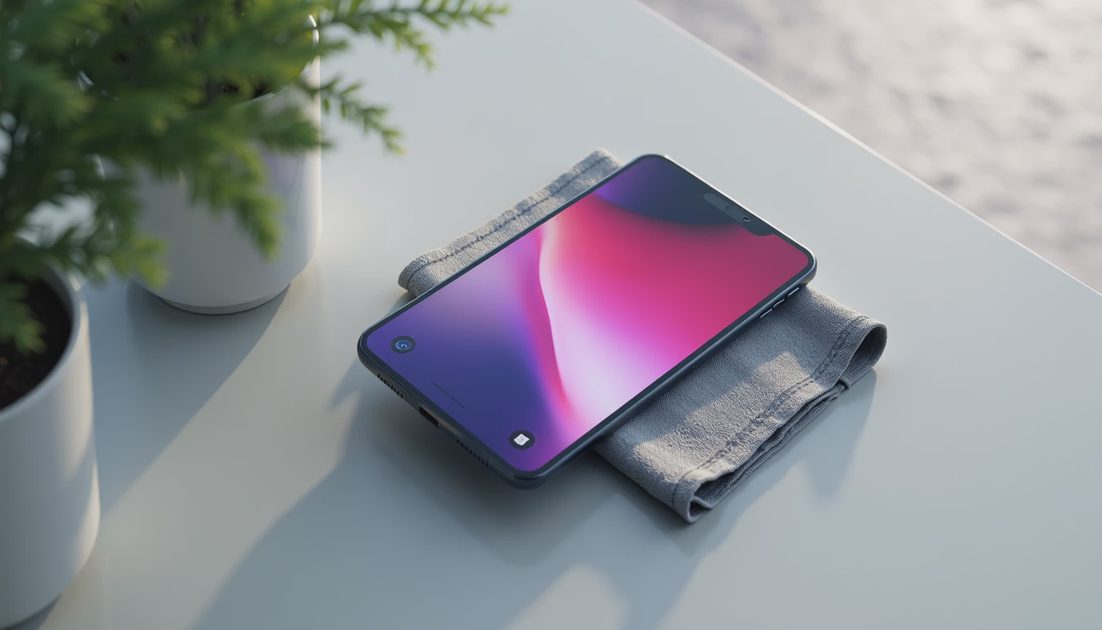
Do not peel the iPhone Duo's inner display layer or assume ordinary screen-protector advice applies to it. Apple identifies its nano-texture cover layer as an integral part of the inner display.
For routine care, start with the correct clean cloth, a light touch, and the current Duo-specific instructions. Cleaning harder is not a substitute for identifying what is on the surface.
Apple updated relevant cleaning guidance in October 2026. This article translates that documentation into a practical routine; it is not a scratch test, a repair tutorial, or a prediction of how many folds your display will survive.
ON THIS PAGE
Separate the inner and outer surfaces
A simple cleaning routine
Handle stubborn marks carefully
Protect the fold from ordinary clutter
When cleaning is the wrong response
Separate the inner and outer surfaces
The outer display, back, hinge area, and inner panel do not all present the same physical surface. Identify the area you are cleaning before choosing a method.
Apple's general iPhone instructions cover exterior cleaning, while its nano-texture guidance specifically includes the Duo's inner cover layer. Read them together rather than borrowing instructions for a different foldable phone.
The cover layer reduces glare and protects the inner display. It is not a removable shipping sheet. A visible edge or unfamiliar surface texture is not permission to lift it.
I would treat third-party protectors as a separate compatibility question. Do not add adhesive film or tempered glass to the inner panel on the assumption that more layers must be safer.
If an accessory requires removal of the original layer, stop and verify the instruction with Apple before proceeding.
A simple cleaning routine
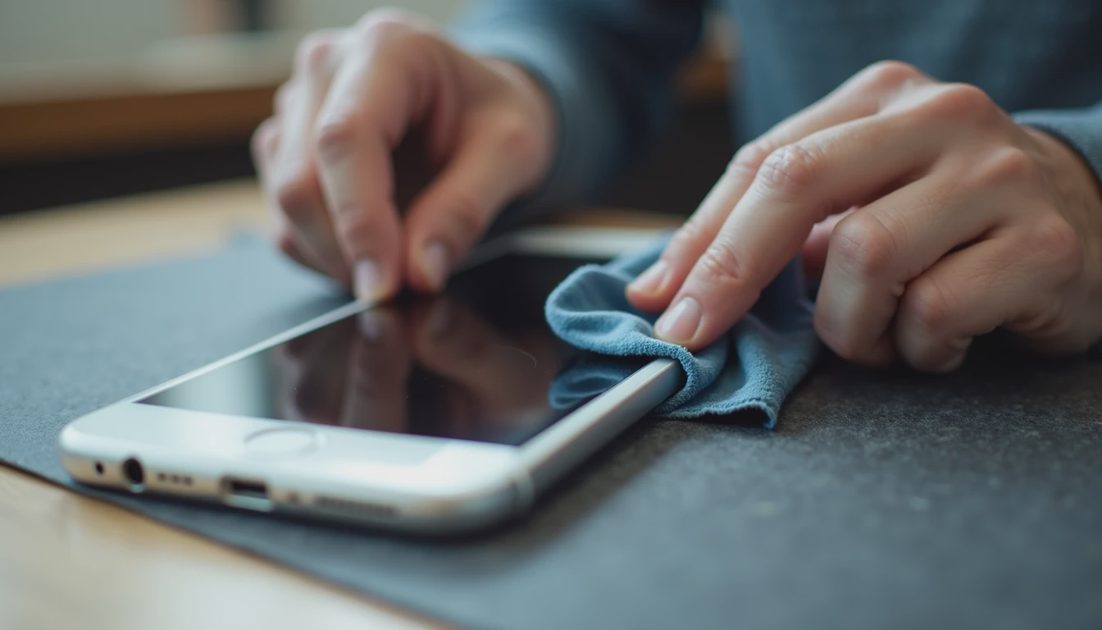
First unplug the phone and turn it off. Move to a clean surface, and inspect the cloth for grit or debris before bringing it near the display.
Apple's nano-texture guidance permits a clean polishing cloth, microfiber intended for electronic displays, or a suitable cotton-and-stretch-fiber fabric. The key is using an appropriate clean material rather than whatever sleeve or towel happens to be nearby.
For ordinary loose dust or smudges, begin gently. Avoid pressing a trapped particle across the screen. If you cannot tell whether something is loose contamination or damage, pause instead of rubbing repeatedly.
Keep liquids away from openings. Do not spray the phone, use compressed air, or probe the hinge with tools. A cleaning session should not turn into an attempt to flush material through the mechanism.
When a slightly damp cloth is appropriate under Apple's general guidance, it should be slightly damp, not dripping. Leave the phone dry before reconnecting power.
Handle stubborn marks carefully
A resistant mark can tempt you to increase pressure or reach for a stronger cleaner. Neither is a good automatic next step.
Apple's nano-texture document permits infrequent use of a cloth moistened with a 70-percent isopropyl alcohol solution for hard-to-remove smudges. That is a specific option with a specific concentration, not permission to use any household cleaning spray.
I would reserve it for the condition the instructions describe, rather than making alcohol part of every wipe. Apply an approved solution to the cloth as directed, not directly to the phone.
What you notice | Sensible next step | Avoid |
|---|---|---|
Light fingerprints | Use an appropriate clean cloth gently | Repeated hard polishing |
Loose grit | Stop before dragging it over the panel | Grinding it into the surface |
Stubborn smudge | Consult the specific nano-texture method | Unspecified solvents or abrasive cleaners |
Lifting, a crack, or a persistent line | Seek support assessment | Peeling or scraping the layer |
Ordinary material transfer can sometimes resemble damage. That does not mean every mark is removable, or that repeated cleaning is harmless. If gentle approved cleaning does not resolve it, reconsider what the mark might be.
Keep the cloth clean too
A cloth that once worked well can collect particles from a pocket or desk drawer. Store it separately from keys, coins, and dusty accessories.
Follow the cloth maker's instructions. Apple's polishing-cloth guidance describes hand washing, thorough rinsing, and enough air-drying time before reuse.
Do not move from cleaning a gritty case exterior directly to wiping the inner panel with the same dirty area of cloth. The cleanliness of the material matters as much as its softness.
A dedicated small storage pouch is useful only if it also stays clean. The point is to control contamination, not to buy another accessory for its own sake.
Protect the fold from ordinary clutter
The simplest daily habit is to inspect the space between the two halves before closing. Small items can be easy to miss when a desk or bag is crowded.
Keep cards, receipts, cables, and other objects out of that space. Do not use the folded phone as a clip or storage compartment.
Set it down away from loose sand and dirt. If you see debris around the hinge, use the current handling guidance rather than forcing the device open to dislodge it.
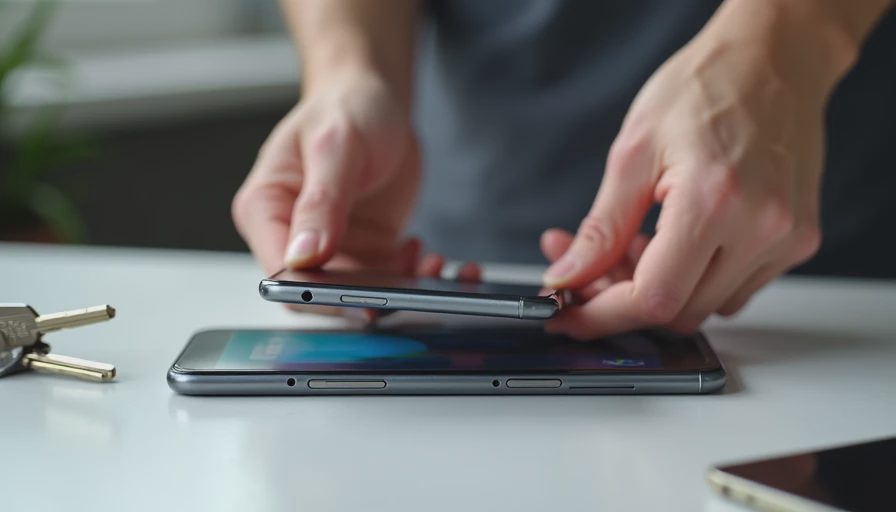
I would also check a case after installation. A lip, loose strip, or accessory part should not sit against the flexible panel or obstruct ordinary movement.
These are care habits, not a claim that a careful owner can prevent every hardware failure. Materials and mechanisms can still develop problems that need service.
When cleaning is the wrong response
Stop if you see a lifting layer, a new crack, a persistent display line, or abnormal resistance during ordinary folding. Do not keep opening and closing the phone to diagnose a sound.
Photograph the condition with another device if useful, record when it appeared, and contact Apple or an authorized service provider. Describe what happened without trying to prove the issue through repeated stress.
A scratch-resistant description is not a guarantee against every scratch, dent, or impact. Water and dust resistance also should not become a cleaning method.
Should I remove a layer that looks like packaging?
Not if it is the inner display's integral cover layer. Verify any uncertainty before lifting an edge.
Can I clean it with window cleaner?
No. Follow Apple's specified materials and methods rather than household glass-cleaning habits.
How many folds will careful cleaning guarantee?
No number is promised here. This guide does not establish a service life or substitute for warranty and support terms.
A useful care routine is deliberately uneventful: identify the surface, use the correct material, avoid trapped debris, and stop when the problem looks like damage rather than dirt.