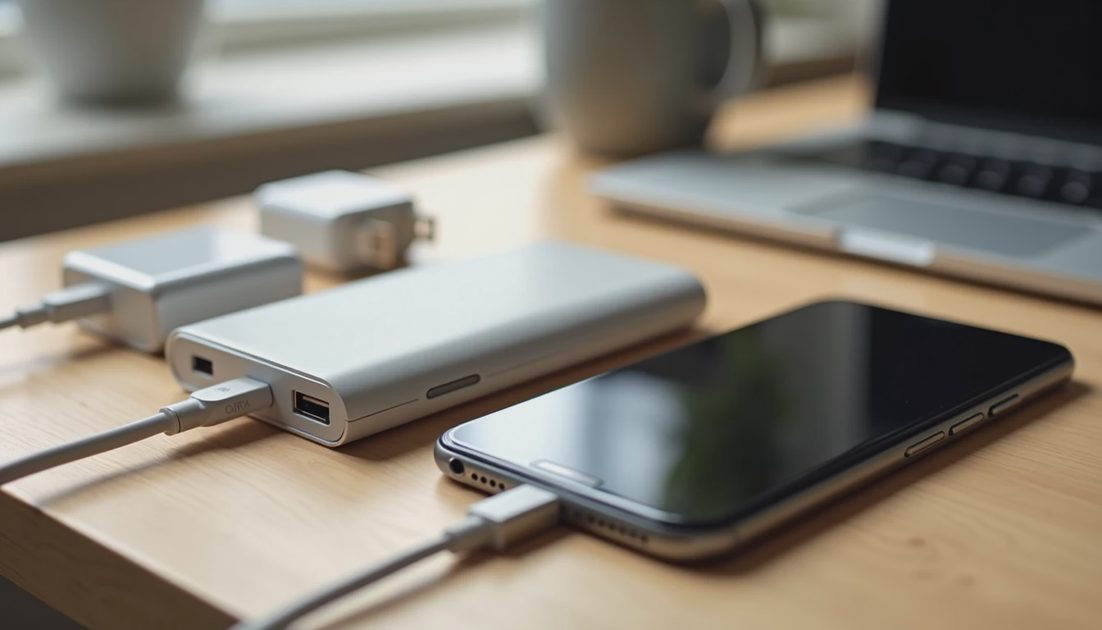
Yes—an older, undamaged, standards-compliant charger can still be useful with iPhone 18 Pro or iPhone Duo. But being able to charge the phone is different from meeting Apple’s latest fast-charge conditions.
Before replacing anything, check the adapter’s output, charging protocol, cable, and individual port specifications. The number printed on the front of a charger does not tell the whole story.
My recommendation is to start with what you own. Replace a charger because it cannot meet your routine—not simply because your new phone has a different name.
ON THIS PAGE
Check the connector before the wattage
What each iPhone needs for fast charging
Read your charger’s output label
Check cables and shared ports
Keep it, move it, or replace it
FAQ
Check the connector before the wattage
Both phones use USB-C, so begin with the connection between the adapter and the phone.
An existing USB-C power adapter can accept a USB-C–to–USB-C cable. If your old setup ends in Lightning, that phone-end connector will not fit either new device. You may need a different cable without needing a different adapter.
An older USB-A adapter requires a suitable USB-A–to–USB-C cable. That can provide basic charging with compatible equipment, but it does not become the USB-C Power Delivery setup required for the latest advertised charging times.
That distinction can save an unnecessary purchase:
Wrong phone-end connector: investigate the cable first.
Compatible connection but insufficient output: decide whether slower charging actually matters.
Damaged adapter or cable: stop using the damaged component.
I would not build a new setup around a pile of connector converters. A direct, suitable cable makes compatibility easier to check.
What each iPhone needs for fast charging
Apple publishes different wired charging benchmarks for the two models. Treat them separately.
Phone | Apple’s advertised wired benchmark | What to check |
|---|---|---|
iPhone 18 Pro / Pro Max | Up to 50% in around 15 minutes | A 60W-capable or higher adapter with AVS, plus a suitable USB-C cable |
iPhone Duo | Up to 50% in around 20 minutes | A 60W-capable or higher adapter and suitable USB-C cable; verify the supported power profiles |
AVS means Adjustable Voltage Supply. Do not assume a charger supports it because it says “fast charging,” has a USB-C port, or advertises high wattage.
Apple’s current fast-charge support instructions list an AVS-capable USB-PD 3.2 third-party setup for these models. The Pro specifications explicitly identify AVS; the Duo specification page gives a broader adapter description. When checking an existing charger, use the detailed support requirements rather than treating “60W” alone as confirmation.
These are Apple’s benchmarks, not results measured by this site. Apple tested drained devices under specified conditions; Duo testing used the phone open. Your starting charge, temperature, settings, and activity can change the result.
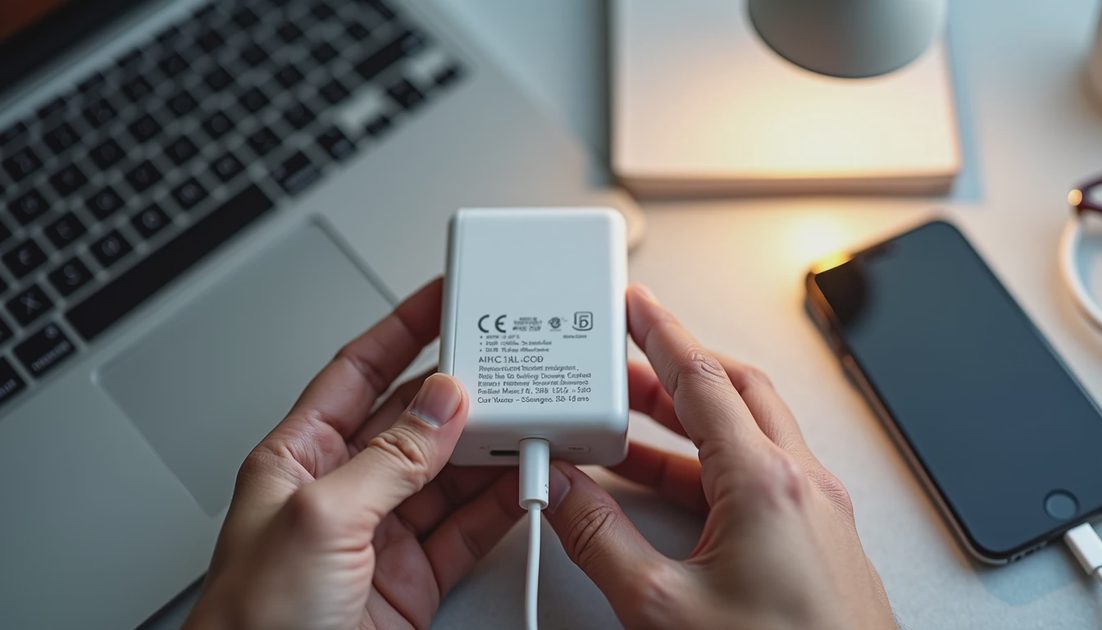
The practical verdict: an older adapter may remain compatible even when it cannot reproduce those particular benchmarks.
Read your charger’s output label
Look for the exact model number and the section marked Output. If the printing is tiny, photograph it and enlarge the image.
Do not confuse Input with Output. Input describes the electricity the adapter accepts from the wall. Output describes what it can supply to a connected device.
You may see combinations such as:
9V ⎓ 2.22A
Multiplying volts by amps gives approximately 20 watts. That explains one available output profile; it does not establish every protocol the charger supports.
Next, check the manufacturer’s documentation for that exact model:
Does it support USB Power Delivery?
Does it explicitly support AVS where required?
What can the chosen USB-C port supply?
Does connecting another device change that output?
A familiar brand name is not enough. Two adapters from the same manufacturer can have different capabilities.
For an existing 20W USB-C PD adapter, I would separate the answers clearly: potentially useful for ordinary charging, but not a match for the new 60W-capable fast-charge conditions.
A 65W laptop adapter deserves the same scrutiny. Its wattage clears one check, but its supported profiles still matter.
Check cables and shared ports
The cable is part of the charging system.
Use an undamaged USB-C cable with an appropriate power rating. Apple’s fast-charge documentation specifies a 60W-capable cable for these wired setups. A cable’s charging capacity and data-transfer speed are separate specifications; paying for faster data does not automatically improve charging.
Inspect the connectors, strain relief, and outer covering. Replace a cable with exposed conductors or damaged connectors rather than trying to preserve it through another phone upgrade.
Then consider what else is plugged in.
A multiport adapter advertised as 100W may quote its combined capacity. That does not mean every port supplies 100W, or that the phone retains the same allocation when a laptop connects.
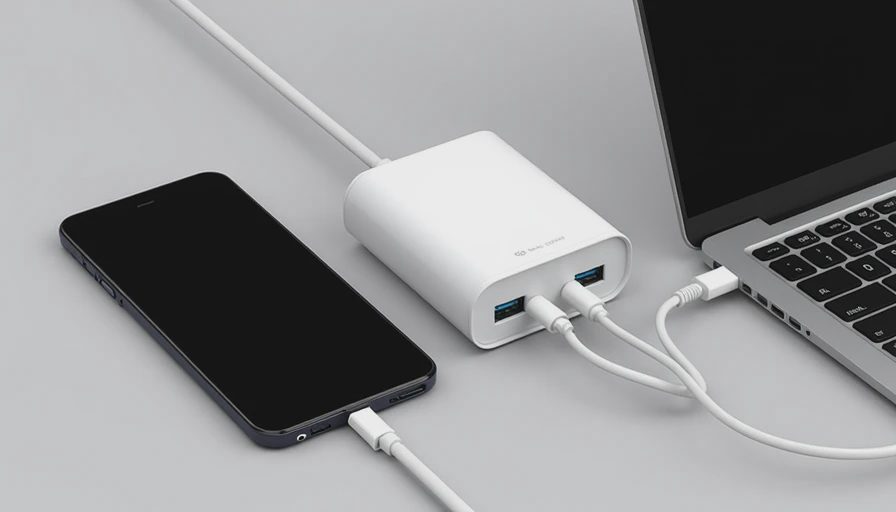
For a useful first check, connect only the iPhone to the appropriate port. Consult the adapter’s allocation chart before deciding it needs replacement.
That is a compatibility check, not a laboratory speed test. Watching the percentage rise confirms charging activity; it does not prove a precise power level.
Keep it, move it, or replace it
I would make the decision around your charging schedule.
Keep it if the equipment is sound and reliably gives you enough charge during your usual charging window. A faster benchmark has little value if your current setup already meets your needs.
Move it to a secondary location if it remains useful but is too slow for rushed departures. A desk charger and a short-stop charger do not necessarily need identical capabilities.
Replace it if you need faster top-ups and the existing setup cannot meet the documented requirements—or if the equipment is damaged.
Before spending money, check which component is actually missing. You might need only a cable, a different port on the same adapter, or to stop sharing power during a quick charge.
The cheapest useful upgrade is the one that fixes the actual limitation.
A higher-rated compliant adapter does not force its entire advertised output into the phone. The supported connection determines what power is available and used. Buying more wattage than necessary, however, does not guarantee a faster result.
FAQ
Can I keep an older 20W USB-C charger?
Yes, if it is compatible, undamaged, and adequate for your routine.
Do not expect it to satisfy the latest 60W-capable setup requirements or reproduce Apple’s advertised 15- or 20-minute benchmark.
Will any 65W USB-C laptop charger deliver the advertised speed?
Not necessarily.
Check the exact port, supported charging profiles, AVS requirements, cable, and any reduction caused by sharing power.
Does an older charger need replacing just because charging feels slower?
No.
First compare similar starting charge levels and conditions. Phone activity, temperature, and shared output can affect the result. Investigate the limitation before replacing the whole setup.
Make your tech fit your life.