
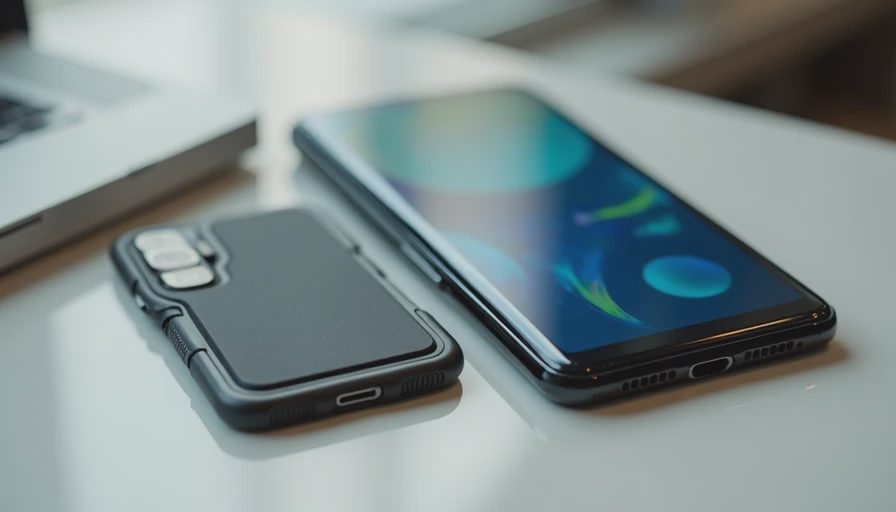
Buy an iPhone Duo case by exact model and installation requirements, not by how protective it looks in a photograph. A foldable case has to work in several positions, leave the hinge unobstructed, and preserve access to both screens, buttons, and the charging port.
That makes the purchase more complicated than choosing a color and looking for raised corners. A case can fit one half well while creating trouble when the phone closes or sits on a charging stand.
I would start with a compatibility checklist before considering style. This is a documentation-based buying guide, not a ranking of cases we have drop-tested.
ON THIS PAGE
Start with exact model support
Check the hinge and screen edges
Look beyond the charging cutout
Installation can change the decision
Make the purchase checkable
Start with exact model support
Look for iPhone Duo in the manufacturer's compatibility list, then check that the listing, packaging, and selected variant agree. A shopping page can combine several phone models under one title while the color selector quietly changes the version.
Do not accept “fits foldable phones” as a model-specific answer. Hinge geometry, camera placement, and shell dimensions are not interchangeable between devices.
Before paying, record the case's full name and model number. Save the installation instructions and return terms while they are easy to find. That gives you something concrete to compare with the product that arrives.
My first filter is simple: if the maker cannot clearly identify the supported phone and explain installation, I would keep looking. A reassuring product photograph does not fill that gap.
Check the hinge and screen edges
A hinge cover adds another moving component. Ask how it attaches, where it travels, and whether it changes the phone's ability to rest on a surface. A thicker spine is not automatically better protection.
Review images showing the case fully closed, fully open, and partially folded. If the listing only shows the back of the phone, you are missing the positions where interference is most likely to become apparent.
Area | What to verify | Reason to pause |
|---|---|---|
Hinge | Clearance through the normal opening movement | Instructions require force or an unexplained adjustment |
Inner screen edge | Frame remains clear of the flexible display | An accessory presses against the panel |
Closed position | Both halves meet normally | Case pieces collide or prevent ordinary closure |
Camera area | Openings match the selected model | A generic cutout partly covers a lens |
Apple describes the inner display's cover layer as integral to the screen. Do not peel or modify it to make a case fit. A fit problem belongs to the accessory, not to a protective layer you should remove.

A raised edge is only one part of protection
Raised borders may help keep exposed surfaces away from a flat table, but their practical effect depends on the complete design. Camera protrusions, hinge covers, and uneven surfaces can change which part touches first.
Treat drop-height claims carefully. Ask what was tested, whether the test involved the actual phone model, and whether the stated conditions resemble your use. A durability badge without a method is not a measured guarantee.
I would also consider ordinary handling. A slippery case that makes the phone harder to open may create a problem before a dramatic drop ever happens. Texture, edge shape, and access to the side button deserve attention alongside thickness.
There is no universal safest material in this guide. The useful question is whether the design preserves normal operation while offering the protection you need.
Look beyond the charging cutout
A USB-C opening must accommodate your plug housing, not only expose the metal port. A bulky cable or angled connector may meet the case before seating completely.
For magnetic accessories, separate three questions: does the case contain a suitable magnetic arrangement, does the accessory attach in the intended position, and does charging work under the documented conditions?
“MagSafe compatible” on a case does not establish that every wallet, stand, charger, and battery fits the Duo's shape. Check the exact accessory combination, including clearance around the hinge and cameras.
If you use a car mount, verify support for the phone's size and weight in the position you intend to use. Do not turn a tentative magnetic attachment into a road test. Make the stationary fit check first.
Installation can change the decision
Some foldable cases use separate shell pieces or adhesive retention. That can affect removal, cleaning, and whether the product can be reinstalled.
Read the maker's sequence before attaching anything. Identify alignment points, removable shipping films, adhesive locations, and any replacement strips supplied in the box.
The distinction between a shipping liner and the phone's own display layer is important. Remove only the material the case instructions identify as belonging to the accessory.
I would avoid an improvised installation involving extra tape, trimmed plastic, or pressure against the screen. If the case requires modifications not described by its maker, stop and resolve the mismatch.
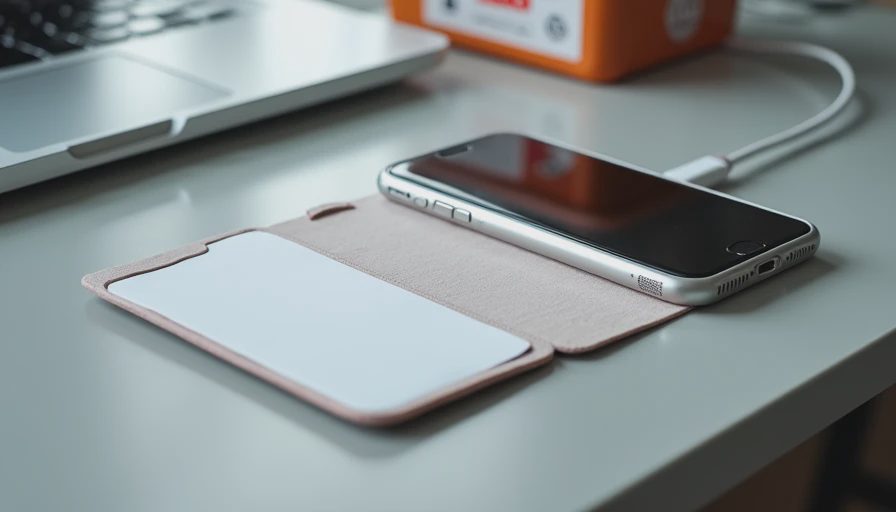
For returns, check whether applying adhesive affects eligibility. A case that must be installed to evaluate fit can create a practical problem if the seller treats installation as nonreturnable use.
Make the purchase checkable
Before ordering, answer these questions in writing:
Is this exact variant explicitly for iPhone Duo?
Can I see it open, closed, and partially folded?
Are my cable and charging accessories covered by the compatibility information?
What is included, and does installation need consumable strips?
What happens if the case obstructs ordinary opening or charging?
After delivery, inspect the empty case and instructions first. Install only as directed, then gently check the controls, port access, and normal folding movement. Do not force the hinge or repeatedly flex the phone to “break in” the case.
Keep the packaging until those checks are complete. Your initial evaluation is about fit and function, not proving the product survives a drop.
Does a hinge cover guarantee better protection?
No. Its value depends on design and clearance. Extra material can also change handling and accessory fit.
Should I add an inner screen protector with the case?
Do not assume you should. Follow Apple's display guidance and the exact accessory instructions. The factory cover layer is not a shipping film to remove.
A good case should make ownership simpler. If it introduces uncertainty about opening the phone, accessing controls, or using your charger, protection has become only part of the purchase decision.