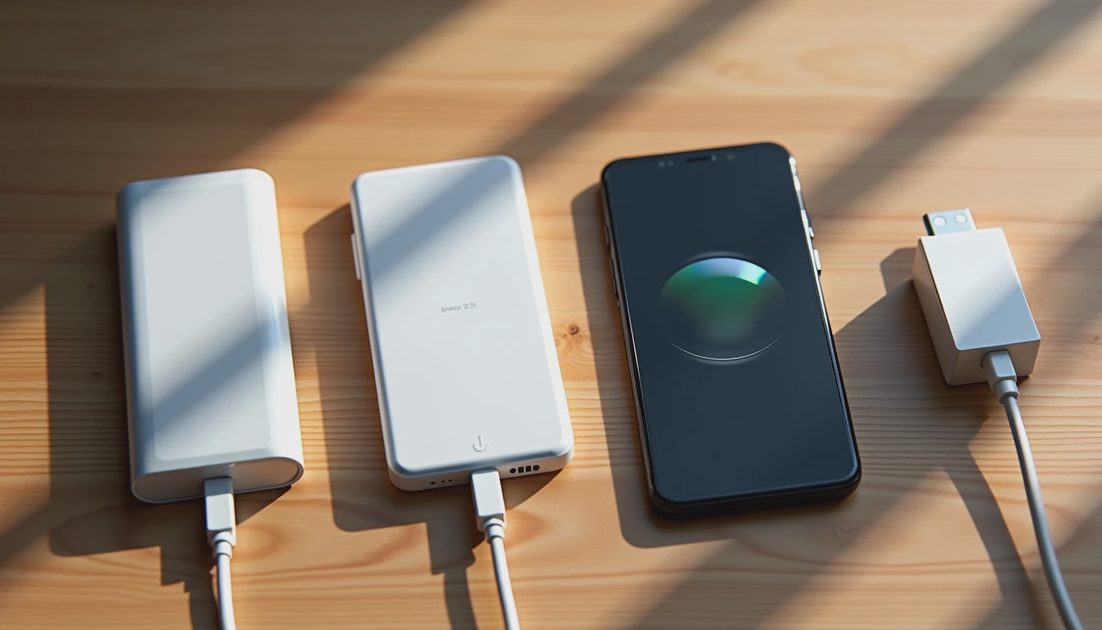
Magnetic attachment, wireless charging, and the fastest supported charging rate are three different questions. A charger can stick to a case without delivering the speed you expected. A stand can charge a folded phone while remaining a poor fit for using it open.
For iPhone 18 Pro and iPhone Duo, check the whole chain: phone, case, charging accessory, power adapter, and placement. Do not transfer a result from the Pro to the Duo simply because both support MagSafe.
My preference is to troubleshoot compatibility on paper before replacing accessories. This guide uses official documentation and practical fit checks; it does not report independent wireless charging measurements.
ON THIS PAGE
Three separate compatibility checks
Read the charging claim carefully
Check the Pro and Duo separately
Build a sensible setup
FAQ
Three separate compatibility checks
Start by identifying what the accessory actually does. A magnetic grip, a wireless charging puck, and a charging stand all attach to a phone, but their functions are different.
Question | What answers it | What does not |
|---|---|---|
Will it attach? | Magnetic arrangement and physical fit | A charging wattage alone |
Will it charge? | Supported charging standard and placement | A magnet-only case label |
Will it meet the advertised speed? | Exact phone, charger generation, adapter, and conditions | A generic “fast” badge |
A case maker's compatibility claim should identify the case model. A charger maker's claim should identify the charger. Neither automatically verifies the combined setup with an unrelated stand.
I would keep those model numbers together in one note. That makes support questions much more productive than asking whether “my MagSafe charger” works.
Read the charging claim carefully
Apple's iPhone 18 Pro and Duo specification pages describe a MagSafe fast-charge benchmark using a 35W-or-higher adapter. The accessory's own requirements and generation still matter.
There is also a documentation wrinkle: Apple's MagSafe product information can describe a different adapter condition from the phone-specific benchmark. Treat the exact model and current support instructions as important, rather than selecting whichever smaller wattage looks cheaper.
If your aim is the phone's published benchmark, build around its stated condition and verify the charging accessory too. Do not infer that every older MagSafe puck gains the latest capability from a larger wall adapter.
An adapter's rating is its available output, not a promise that the phone receives that amount wirelessly. Energy use, heat, charge level, and the charging system affect the result.
Check iPhone 18 Pro first
For a Pro setup, confirm whether the accessory supports iPhone 18 Pro, Pro Max, or both. Their shared family name does not remove differences in size and positioning.
A camera surround or thick case can affect whether a flat charger sits as intended. A stand may need sufficient clearance below the phone. A wallet attached between the phone and charger prevents the direct arrangement the charging accessory expects.
Remove intervening accessories before making the first charging check. Connect the adapter and charger according to their instructions, then place the phone in the intended position.
Look for normal charging recognition. That establishes that a connection has begun, not that the setup has reached a specific wattage.
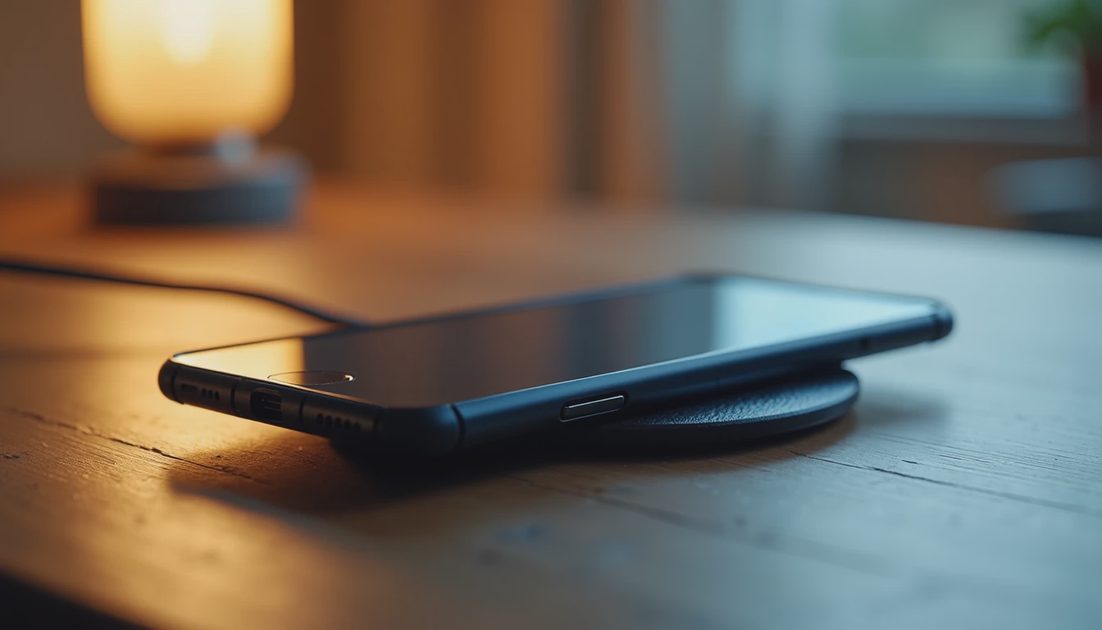
Check iPhone Duo as a separate arrangement
The Duo introduces a second practical question: which physical position are you buying the accessory for?
A stand supporting the folded phone is not automatically suitable when it is open. Unfolding changes the shape and how the device's mass is distributed around the attachment point.
Verify the maker's support for the Duo, the intended orientation, and any case restrictions. If the listing does not explain the open position, do not treat a folded promotional photo as confirmation.
For a first stationary check, support the device rather than letting an uncertain mount carry it unsupported. Stop if it rotates, slips, rocks, or contacts the hinge in an unintended way.
The phone's wireless charging support does not certify every magnetic mount as a safe desk stand. Electrical compatibility and mechanical stability remain separate.
Your case belongs in the specification
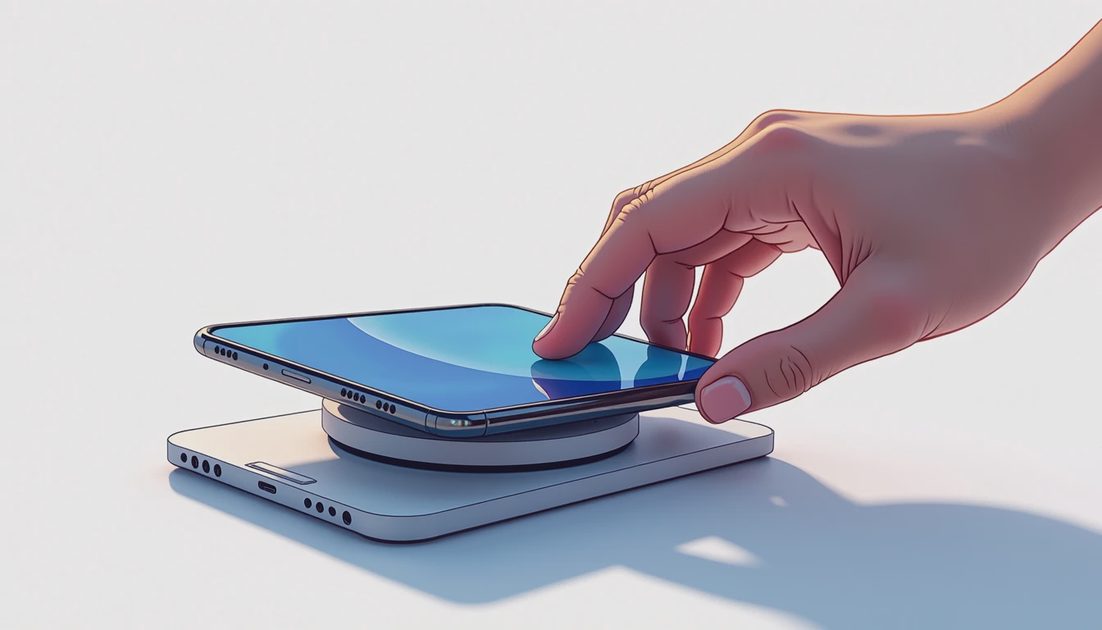
A plain case may allow some wireless charging while providing weak magnetic attachment. A magnetic case can improve alignment but still create problems through thickness, a kickstand, or misplaced hardware.
Check whether the case maker identifies charging compatibility and whether the charger maker permits the case. Remove cards, wallets, and metal attachments from the charging area.
If charging works without the case and fails with it, you have narrowed the issue. That does not immediately identify whether thickness, alignment, or another case component is responsible, but it is more useful than replacing the phone charger blindly.
Avoid adding an adhesive magnetic ring as an assumed universal fix. It changes one part of the arrangement without establishing correct coil alignment or accessory stability.
Build a sensible setup
I would choose between two ordinary priorities.
For an overnight desk location: prioritize reliable placement, a stable base, a cable that reaches comfortably, and a setup that does not require removing several accessories every evening.
For short top-ups: verify the full speed conditions first. Compare that complete cost with simply using a suitable wired setup you already own.
Use this purchase checklist:
Record the exact phone and case.
Identify the charger's model or generation.
Verify its adapter and cable requirements.
Check the intended folded or open position for Duo.
Count separately purchased parts before comparing prices.
A charger sold without an adapter may still be a good choice, but its shelf price is not the complete setup price. Conversely, reusing an adequate adapter can remove the need for another purchase.
FAQ
Does magnetic attachment prove charging compatibility?
No. A grip or mount can use magnets without containing a charging system.
Will a higher-wattage adapter upgrade an old charging puck?
Not beyond the puck's supported capability. Check the accessory generation as well as the adapter.
Can I use the same stand for Pro and Duo?
Only when the complete combinations are supported and stable. Check phone position, case, clearances, and the maker's model list.
My buying rule is simple: specify the combination, not just the category. “A supported phone and case on this charger with this adapter” is a useful answer. “It says MagSafe” is only the beginning.